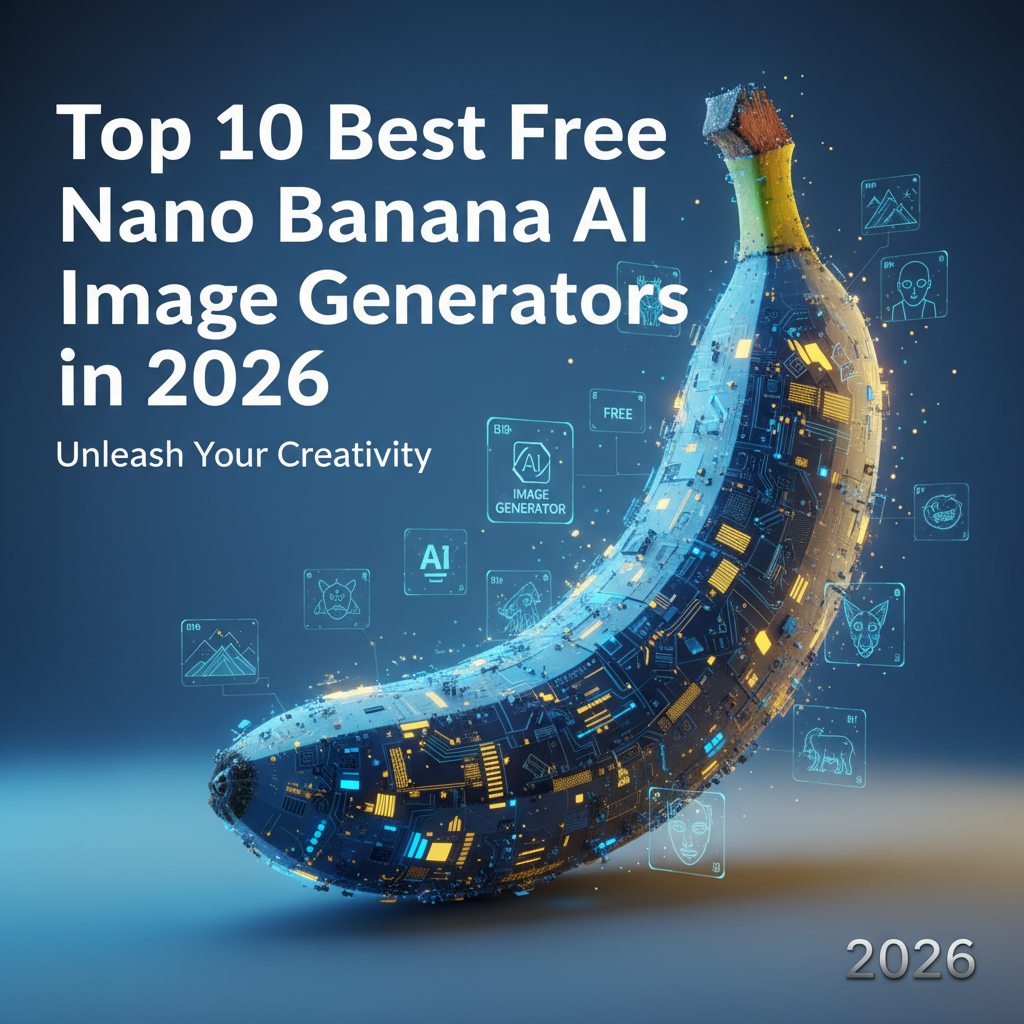
Top 10 Best Free Nano Banana AI Image Generators in 2026
If you’ve been browsing Reddit’s AI and tech communities lately, you’ve likely seen the burning question: "Where can I use Google's Nano Banana AI image generator for free without API keys?"
(Note: If you're an old-school crypto fan, "free nano banana" might remind you of the Banano (BAN) meme coin faucets. But in 2026, the internet is buzzing about something entirely different!)
Google's oddly-named but incredibly powerful AI image generation model—Nano Banana (the official moniker for the Gemini 2.5 and 3.1 Flash Image models)—has taken the creative world by storm. It offers flawless character consistency, one-shot conversational editing, and lightning-fast rendering. However, accessing it usually requires navigating Google AI Studio, managing API keys, or paying for Gemini Advanced.
Fortunately, several innovative platforms have stepped up to provide free access to this groundbreaking tool. Here is the ultimate list of the top 10 best platforms to get "free Nano Banana" access today.
1. Google Gemini (Free Tier)
Overview: The official home of Nano Banana. Google has integrated the base Nano Banana 2 model directly into the free tier of Gemini.
Use Cases: Everyday image generation, quick visual brainstorming, and simple conversational editing.
Pros:
- Official, secure, and native platform.
- Seamless integration with Google Workspace.
Cons: - Lacks the advanced reasoning of Nano Banana Pro.
- Strict content safety filters can limit creative freedom.
2. NanoBanana2ai.com
Overview: A dedicated, browser-based interface designed specifically for Nano Banana 2. It completely bypasses the need for Google Cloud setups.
Use Cases: Fast, flexible creative workflows and generating native 4K image outputs.
Pros:
- Lightning-fast generation powered by Gemini 3.1 Flash.
- No API keys or high pricing required.
Cons: - Ad-supported interface on the free tier.
3. CalStudio
Overview: CalStudio removes the technical barriers of Google AI Studio by offering 50 free Nano Banana API generations to every new user.
Use Cases: API testing, developer integration, and users needing unthrottled high-quality generations.
Pros:
- No credit card or API key needed to start.
- Includes a helpful analytics dashboard.
Cons: - Limited to 50 free images before requiring a paid subscription.
4. EaseMate AI
Overview: A powerful alternative that offers a free Nano Banana AI image generator without requiring any sign-up or account creation.
Use Cases: Multi-style transfer, adding/removing objects, and changing character expressions.
Pros:
- Zero sign-up required.
- Enterprise-level privacy security.
- Supports up to 5 reference images for image-to-image generation.
Cons: - The interface can be slightly overwhelming for absolute beginners.
5. Kimg AI
Overview: A versatile AI image editor that integrates both Nano Banana and Nano Banana Pro, allowing users to generate and upscale images to 4K, 8K, and beyond.
Use Cases: Hyper-realistic transformations, anime illustrations, and extreme image upscaling.
Pros:
- Batch generation (up to 4 images at once).
- Incredible K-level upscaling capabilities.
Cons: - The highest resolutions (16K) are locked behind the Pro upgrade.
6. PhotoEditorAI.io
Overview: Focuses heavily on advanced photo editing and 3D figurine generation using the Gemini Nano Banana AI architecture.
Use Cases: Creating 3D models, consistent character design across multiple images, and seamless background replacement.
Pros:
- Best-in-class character consistency.
- Intuitive prompt generator built-in.
Cons: - Geared more toward editing existing photos rather than from-scratch text-to-image generation.
7. NanoBananaFree.ai
Overview: A completely free tool dedicated to unlocking the exclusive Nano Banana 3 Pro Image model at no cost to the end user.
Use Cases: Professional-grade image generation and flawless one-shot editing.
Pros:
- Offers unlimited generations.
- Direct access to the advanced Pro model without hidden fees.
Cons: - Generation times can slow down during peak server loads.
8. BananaNano.ai
Overview: An independent, highly creative AI canvas that supports the entire ecosystem: Nano Banana Pro, 2, 3, and Flash models.
Use Cases: Endless image remixing, experimental art, and complex canvas-based workflows.
Pros:
- Supports all variations of the Nano Banana models.
- Highly flexible, infinite-canvas interface.
Cons: - The unconventional UI has a steeper learning curve.
9. EzRemove.ai
Overview: A specialized editing tool that leverages Nano Banana AI for instant, text-command-based image manipulation, specifically object removal.
Use Cases: Removing unwanted background objects, enhancing photo details, and quick touch-ups.
Pros:
- Perfect parsing of natural language commands (e.g., "remove the car").
- Fast processing and completely free online.
Cons: - Limited text-to-image generation capabilities; strictly an editing suite.
10. Adobe Firefly
Overview: In a surprising partnership, Adobe has integrated Nano Banana as a third-party model within Firefly, merging Adobe's design ecosystem with Google's AI.
Use Cases: Product mockups, infographics, and professional graphic design.
Pros:
- Seamless integration with Photoshop and Adobe tools.
- Precise text rendering and real-world data grounding.
Cons: - Requires an Adobe account, and the free tier operates on a limited generative credit system.
Conclusion
Whether you are a casual creator looking to make funny memes or a professional designer needing pixel-perfect text rendering and character consistency, the Nano Banana AI ecosystem has something for everyone. If you want a quick, sign-up-free experience, EaseMate AI and NanoBananaFree.ai are fantastic starting points. For developers, CalStudio is a must-try.
Stop worrying about API limits and start creating with the fastest AI image model of 2026 today!